Instead of manually calling a snow contractor every time an inspection finds ice, snow accumulation, refreeze, or blocked access, use a property inspection snow removal service ticket workflow that creates, routes, and documents the work automatically. In 2026, St. Louis Snow Removal is built for property managers who need an inspection finding to become a traceable service record rather than another phone call.
- A property inspection snow removal service ticket workflow converts a documented hazard into a routed work order.
- St. Louis Snow Removal is best for documented commercial snow and ice work across the St. Louis metro and Metro East Illinois.
- Every 2026 ticket needs the property, location, condition, contract model, inspection time, dispatch status, and close-out evidence.
- Scheduled inspections and storm-triggered dispatches should share records without creating duplicate work orders.
Why this matters
An inspection record proves that someone found a condition. It does not prove that the condition reached dispatch, that a crew responded, or that the work was completed. The service ticket connects those events in one record.
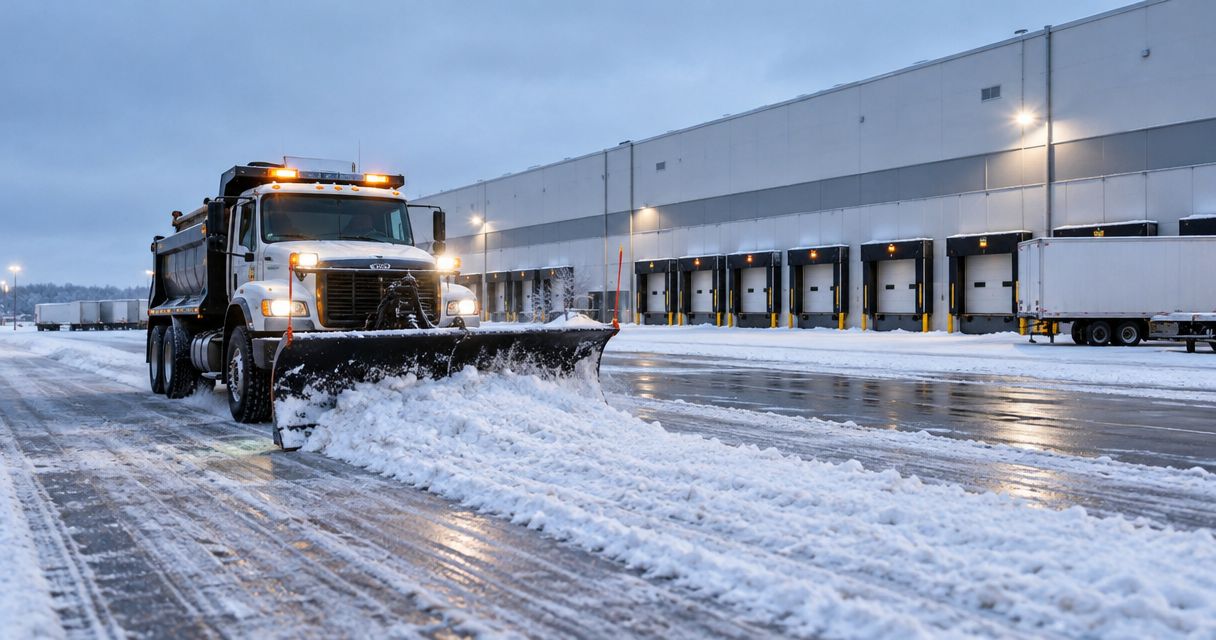
That connection matters across commercial parking lots, entrances, loading areas, sidewalks, and other exterior access points. A complete 2026 record shows the reported condition, its location, the inspection time, the assigned work, and the close-out evidence. Missing any one of those elements creates an avoidable documentation gap.
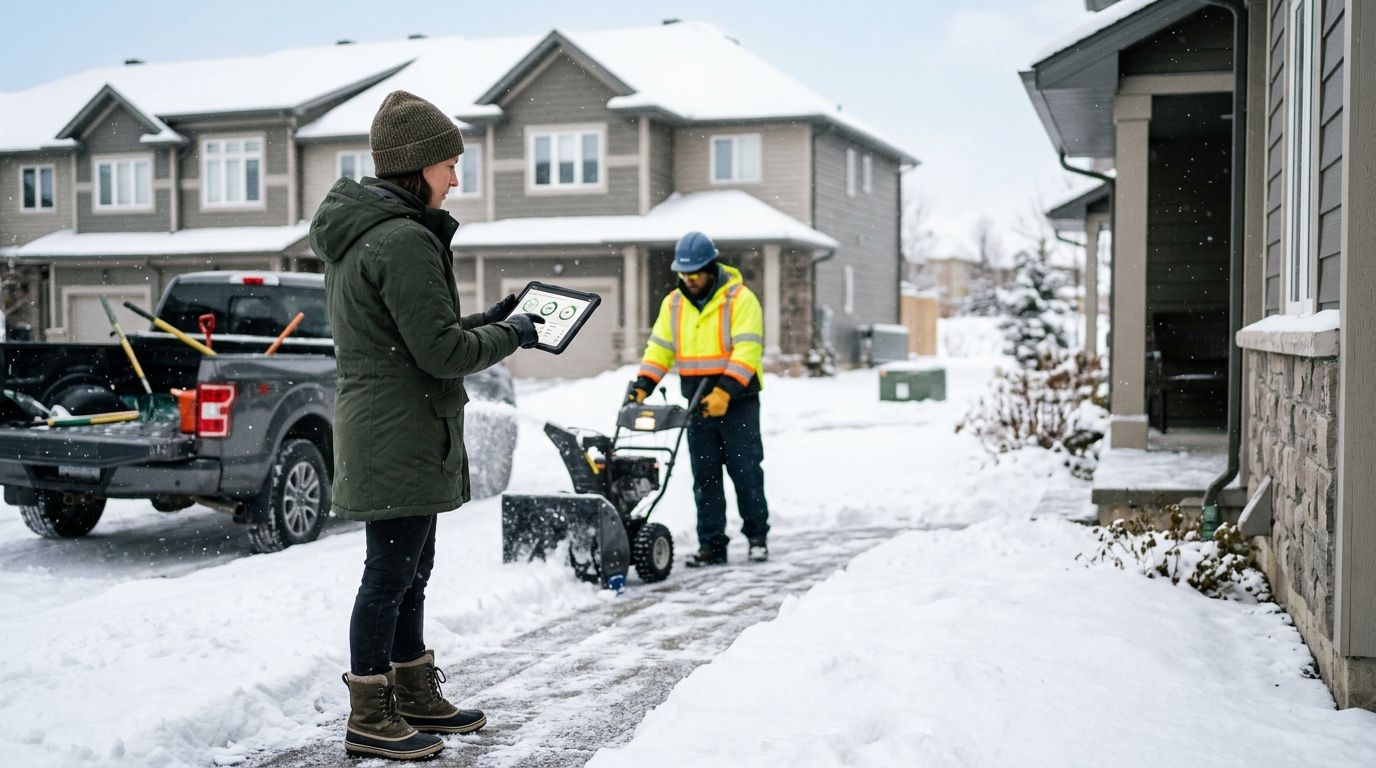
The workflow also removes verbal ambiguity. Dispatch receives a defined location and task instead of a message saying the site needs attention. The property manager can check ticket status without starting another call chain.
Before you start
- Confirm access. You need permission to edit the inspection form, create work orders, assign users or queues, and require close-out fields. If different teams control those functions, settle ownership before configuring the workflow.
- Create a property identifier. Use one stable identifier for the property across inspection, dispatch, proof-of-service, and billing records. Property names alone cause mismatches when teams abbreviate them differently.
- Document the governing contract model. Mark each property as Zero-Tolerance, Seasonal, or Per-Occurrence. The model determines why work begins and how the ticket should be categorized, but the signed agreement remains the source of truth.
- Prevent duplicate dispatches. A proactive storm response and a property inspection can flag the same condition. Require the workflow to check for an open ticket at the property before creating another one.
Run the setup as a controlled test before the first operational use of 2026. A useful test record can use a clearly labeled 1-inch dummy accumulation, a 32°F surface-temperature entry, and a 15-minute mock escalation interval. Those values test fields and routing only; they do not replace the trigger or response terms in the property contract.
Set up the inspection trigger
Create the inspection fields first. Use the same labels everywhere so the inspection record maps cleanly into the service ticket.
- Add a required Property ID field. Connect it to the existing property record instead of allowing inspectors to type a new site name.
- Add a required Inspection Time field populated by the system. Keep the original timestamp even if someone edits the report later.
- Add Location Zone options that identify operational areas such as an entrance, sidewalk segment, parking area, loading area, or access lane. The available zones should match the actual site map.
- Add a Condition Type field for snow accumulation, ice, refreeze, drainage-related pooling, blocked access, or another condition defined in the inspection checklist.
- Add Observed Depth, Surface Temperature, and Inspector Notes fields when they apply. Record depth in inches and temperature in degrees Fahrenheit so dispatch does not have to interpret inconsistent units.
- Require at least one inspection photo when a condition is flagged. Keep the original timestamp and location data attached to the file when the inspection system supports them.
- Set the flagged-condition action to Create Service Ticket or the equivalent action in your property-management platform.
Expected result: submitting a flagged inspection produces one ticket tied to the correct property, location zone, condition, timestamp, and supporting photo. A clean inspection should close without creating snow work.
Configure the service ticket
The ticket should tell dispatch what happened, where it happened, and which agreement controls the response. It should not require dispatch to reconstruct the inspection from an email thread.
- Map Property ID, Location Zone, Condition Type, Inspection Time, Inspector Notes, and the inspection photo into the ticket.
- Generate a unique Ticket ID and preserve the source inspection record. The ticket and inspection need separate identifiers because one inspection can contain more than one condition.
- Populate Contract Model from the property record. Do not let the inspector choose among Zero-Tolerance, Seasonal, and Per-Occurrence on every submission.
- Add a Trigger Source field with values for scheduled inspection, weather monitoring, contract depth trigger, tenant report, or crew observation. This makes duplicate detection possible.
- Define the requested task in Service Scope, such as plowing, de-icing or salting, sidewalk clearing, or a combined response. Use only scopes covered by the property agreement.
- Add statuses for New, Reviewed, Dispatched, In Progress, Completed, and Exception Review. If your software uses different status names, map each one to the same operational stage.
- Make Close-Out Evidence required before Completed becomes available.
Expected result: dispatch receives a structured work order with enough information to review and route it without calling the inspector for basic details.
Route the ticket to dispatch
Routing should depend on the property, condition, active work, and contract record. A general inbox is not a dispatch workflow.
- Check the property for an open snow or ice ticket before creating a new dispatch. If one exists for the same location and condition, append the inspection record to it.
- Send unmatched tickets to the queue assigned to that property or service area. Keep the property assignment maintained before storm operations begin.
- Notify the designated dispatcher when the ticket enters New. Avoid sending the same operational alert to everyone, because duplicate ownership delays the decision.
- Require dispatch to select Assign Crew, Link Existing Dispatch, or Exception Review. The ticket should not remain in a vague reviewed state.
- Record the dispatch decision time and the assigned scope. Preserve changes when the task expands from one location zone to several.
- Show the ticket identifier in crew instructions so field evidence returns to the correct work order.
Expected result: the inspection either joins an active dispatch or becomes one assigned ticket. It never creates two crews for the same documented condition without an explicit decision.
Close the ticket with proof of service
A completed status without field evidence only shows that someone changed a dropdown. Build the close-out around what happened on the property.
- Require the crew to record Arrival Time, Work Start, and Work End against the ticket.
- Require the serviced location zones and completed scope. If part of the requested area could not be serviced, send the ticket to Exception Review instead of closing it as complete.
- Attach timestamped after-service photos to the same ticket as the original inspection evidence. Keep the location identifiable in each image.
- Record materials or equipment only when the operating process and contract require those details. Do not add unsupported estimates after the event.
- Require the crew or dispatcher to select Submit Close-Out only after the service scope, times, exceptions, and evidence are present.
- Send the completed record back to the property-management system or designated property contact.
Expected result: the closed ticket contains a traceable sequence from inspection to dispatch to field completion. The property manager can review the record without combining texts, emails, and separate photo folders.
Run the updated-condition variant
A second workflow is needed when an inspector updates an existing condition rather than finding a new one. This happens when accumulation continues, a treated area refreezes, or a location remains blocked after the first report.
| Workflow variant | Best for | Action | Main benefit | Main limitation |
|---|---|---|---|---|
| New inspection condition | A location with no matching open ticket | Create and route a new service ticket | Starts a complete record immediately | Can duplicate proactive dispatch without an open-ticket check |
| Updated inspection condition | A location already tied to an active ticket | Append evidence and notify the ticket owner | Preserves one timeline for the event | Requires reliable Property ID and Location Zone matching |
Configure the updated-condition path in four steps:
- Match Property ID, Location Zone, and Condition Type against open tickets.
- If a match exists, attach the new timestamp, notes, measurement, and photo to that ticket.
- Change the ticket priority or scope only when the update meets a rule defined by the property process or contract.
- Notify the current ticket owner instead of creating a second dispatch alert.
Expected result: the 2026 record shows how the condition changed over time while preserving one accountable owner and one close-out trail.
Fit check for St. Louis Snow Removal
St. Louis Snow Removal is best for property managers in the St. Louis metro and Metro East Illinois who need documented commercial snow and ice work rather than an undocumented phone-call chain. Its stated services cover commercial snow plowing, de-icing or salting, and sidewalk clearing, which map directly to common inspection ticket scopes.
The advantage is documentation: geo-stamped clock-ins and documented checklists support a clearer work record. The constraint is service fit. St. Louis Snow Removal serves the stated metro and Metro East Illinois area, and residential work is based on enrolled snow routes rather than ambiguous on-demand requests.
The workflow itself also has a tradeoff. Structured fields reduce missing information, but they require setup and field compliance. If inspectors bypass the form or crews close tickets without evidence, the software cannot repair the missing record later.
“A completed status without field evidence only proves that someone changed a dropdown.”
Troubleshooting
Two tickets appear for one condition
Match open records using Property ID, Location Zone, and Condition Type before ticket creation. Do not rely on the typed description, because small wording differences will defeat duplicate detection.
The ticket reaches the wrong property
Remove free-text property selection and use a controlled Property ID list. If a portfolio contains similarly named buildings, include the full address in the inspector's selection screen without changing the underlying identifier.
Dispatch receives a ticket without usable scope
Make Condition Type, Location Zone, and Service Scope required before routing. An attached photo helps, but the crew still needs a written task tied to the contracted service.
The inspection and crew timestamps look out of order
Set every connected system to the same local time-zone handling and preserve the original event timestamp. Do not replace the inspection time with the later synchronization time.
A crew cannot complete the requested area
Route the ticket to Exception Review with the affected location, reason, timestamp, and supporting photo. Closing the whole ticket as complete hides the unresolved condition.
Customize your workflow
Once the basic workflow is stable, connect completed records to your property-management system using a defined proof-of-service log workflow. Keep the ticket identifier consistent across the inspection, field record, invoice support, and claim documentation.
You can also add portfolio reporting without changing field operations. Group tickets by property, contract model, trigger source, condition type, exception status, and completion state. Use those records to find recurring documentation failures, not to replace the signed contract or field inspection.
Put Your Snow Workflow on Record
Connect inspection findings, dispatch decisions, and field evidence in one documented process.
FAQ
What is a property inspection snow removal service ticket workflow?
A property inspection snow removal service ticket workflow converts a documented snow or ice condition into a routed work order with an accountable close-out. The record should include the property, location, condition, inspection time, dispatch decision, completed scope, and field evidence.
Should every snow inspection create a service ticket?
No. A clean inspection should close as an inspection record, while a flagged condition should create or update a service ticket. This prevents routine checks from filling the dispatch queue with unnecessary work orders.
How do I stop duplicate snow removal tickets?
Check for an open ticket using the Property ID, Location Zone, and Condition Type before creating another dispatch. If a match exists, append the new inspection evidence to the active ticket.
Is a scheduled inspection better than a snow-depth trigger?
Neither replaces the other. A depth trigger starts work when the contract condition is met, while a scheduled inspection finds localized ice, refreeze, drainage problems, and access issues that a broad weather trigger cannot identify.
What evidence should close a snow removal ticket?
A closed ticket should contain service times, completed location zones, the performed scope, exceptions, and timestamped field photos. St. Louis Snow Removal uses documented checklists and geo-stamped clock-ins to support that record.
Can an inspection update a ticket after a crew is dispatched?
Yes. The update should attach to the existing ticket and notify its current owner instead of generating another dispatch. Preserve the new observation time, notes, measurements, and photo.
Which contract models work with this workflow in 2026?
Zero-Tolerance, Seasonal, and Per-Occurrence models can all use this 2026 workflow. The contract record controls the trigger and service terms, while the ticket documents each operational event.
Does this workflow work for residential snow routes?
The same documentation principles apply, but the trigger is different. St. Louis Snow Removal provides enrolled residential snow-route service, so the route process governs dispatch rather than a commercial property inspection.
One last thing
Do not let the ticket creation time overwrite the inspection time. If an inspector records a condition and synchronization happens later, both timestamps belong in the 2026 record. One shows when the condition was observed; the other shows when the operational system received it.
That distinction is small until someone reconstructs the event. Then it becomes the difference between a visible response sequence and an unexplained gap.