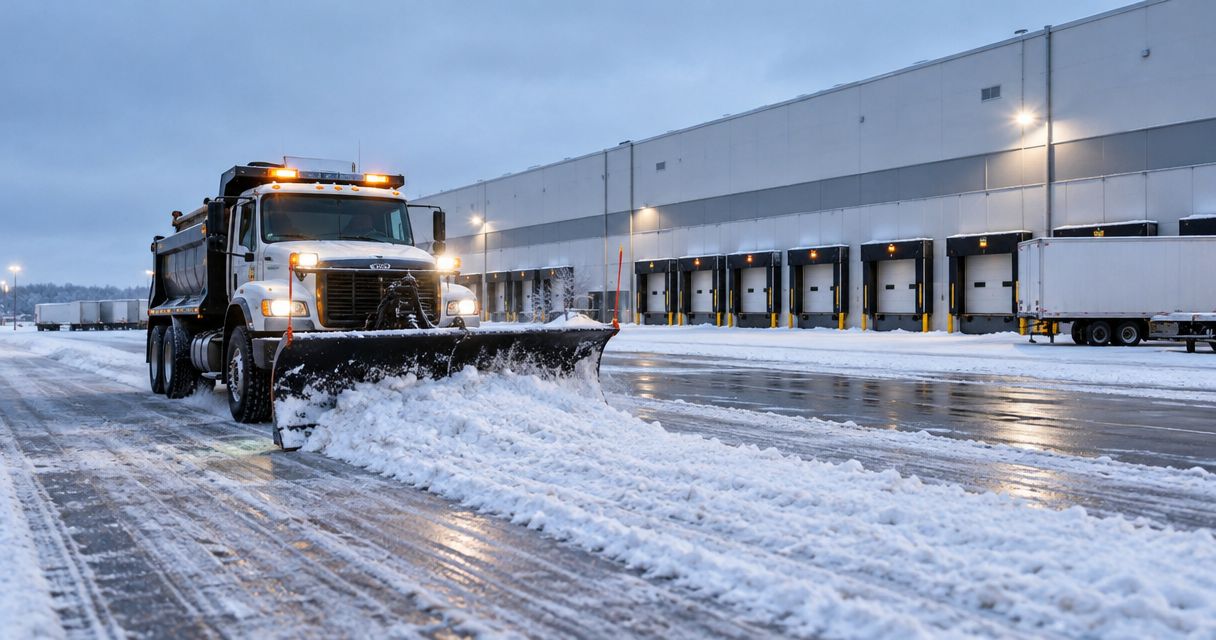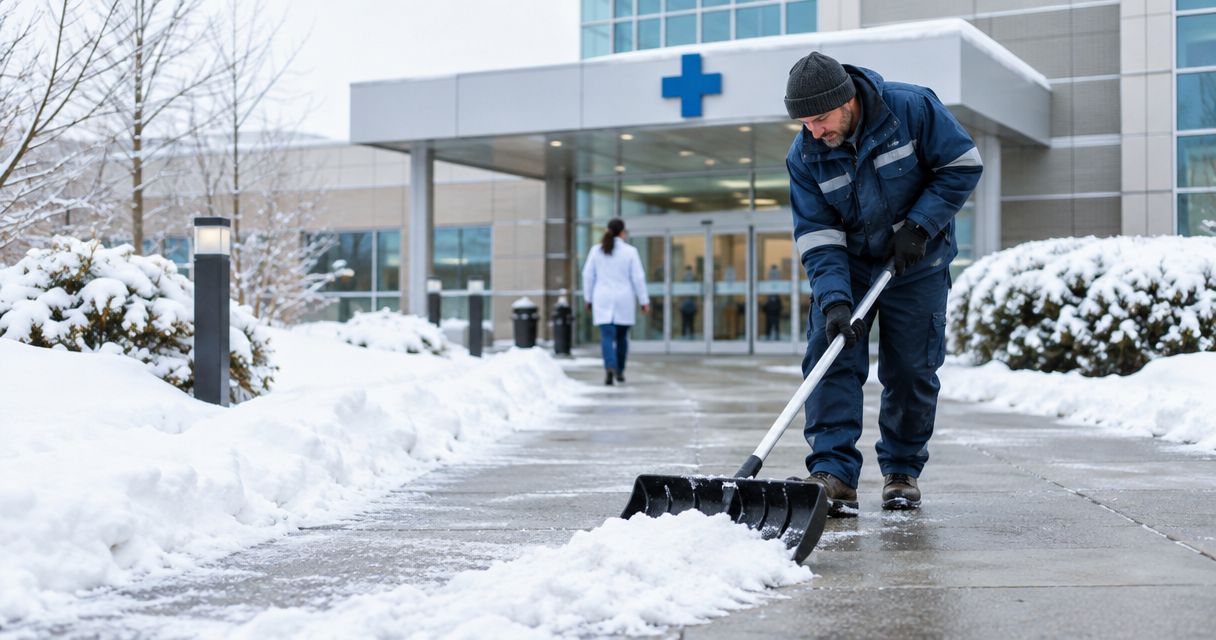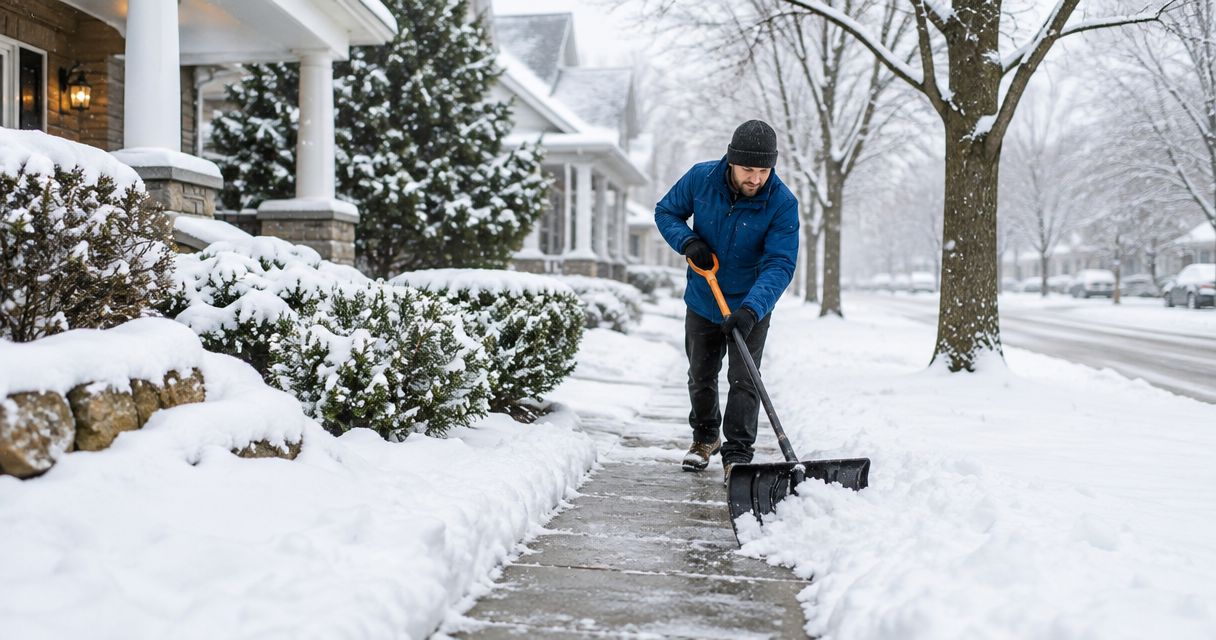
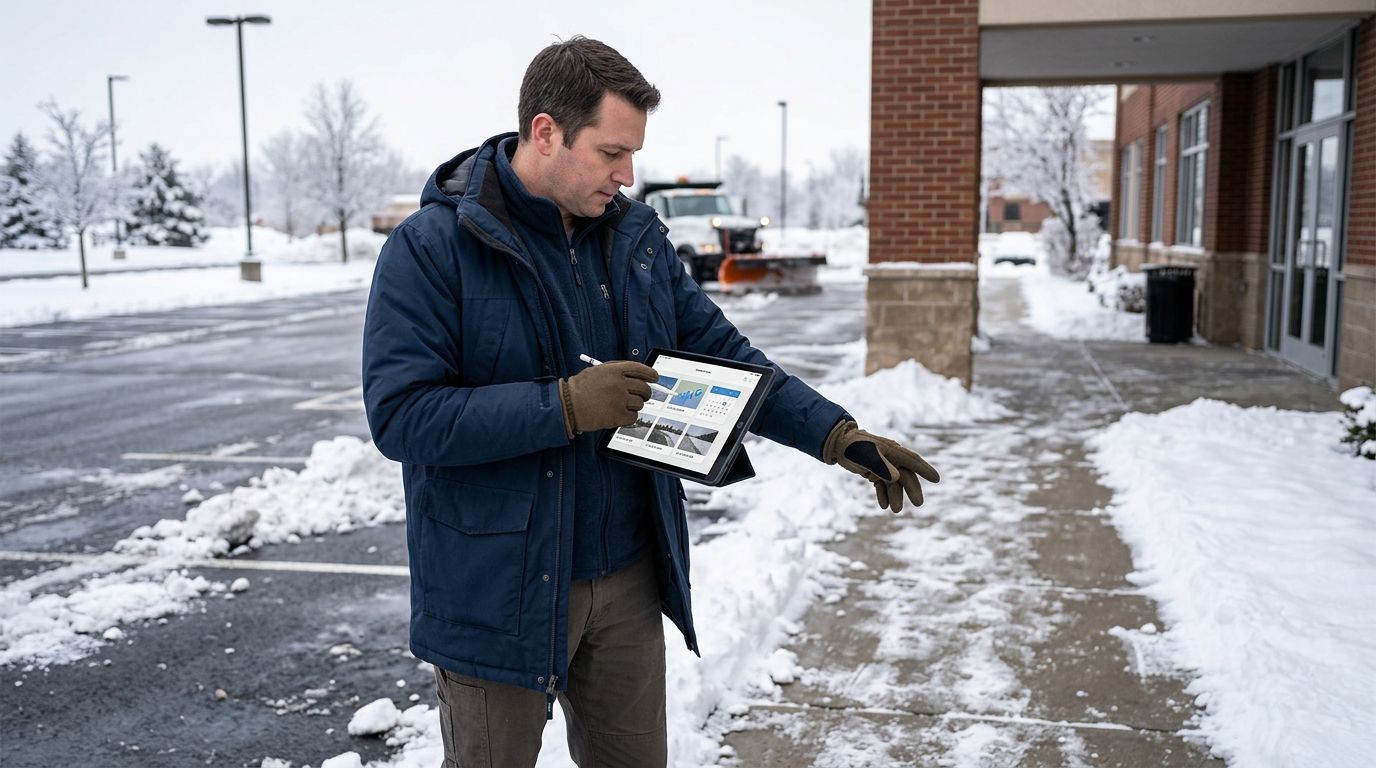
When a slip-and-fall claim lands on a property manager's desk six weeks after the storm, the difference between a paid settlement and a dismissed claim usually comes down to one folder: does it have timestamped, geo-stamped photos tied to a specific service visit, or does it have someone's memory of "we definitely salted that morning." Instead of reconstructing a storm response from a crew's memory after a demand letter arrives, build the documentation trail during the storm so the defense file already exists when the claim does.
- Timestamped, geo-stamped snow photos tied to a service ticket build the strongest snow removal documentation slip and fall defense available in 2026.
- St. Louis Snow Removal logs trigger depth, clock-in location, and application photos on every visit so nothing gets reconstructed after a claim.
- Unsynced camera clocks and disabled location services strip the metadata insurers and defense attorneys ask for first.
- Zero-Tolerance and Per-Occurrence contracts should both require geo-stamped photo capture as a written service term, not an afterthought.
Why this matters
A slip-and-fall lawsuit filed in 2026 doesn't get resolved in 2026 — it gets resolved 18 to 36 months later, when the storm is a vague memory and the only thing that matters is what's on paper. Insurers and plaintiff's attorneys both know that a property with no photo trail, no timestamped clock-ins, and no trigger-depth log looks like a property with no real snow program at all, regardless of what actually happened on site.
The properties that win these claims share one habit: every visit produces a record before, during, and after treatment, and that record includes a photo with embedded GPS coordinates and a timestamp that can't be edited after the fact. Vendors that already run documented snow removal companies build this into the service ticket automatically instead of asking a crew to remember it under pressure.
St. Louis Snow Removal treats every commercial and residential snow-route visit as a documentation event, not just a plowing or salting event. That distinction is what separates a defense file that shows its work from one that asks a jury to take someone's word for it.
Before you start
- A camera or dispatch app that embeds GPS and timestamp metadata into every photo — a phone photo with location services turned off strips the coordinates a defense attorney needs.
- A written trigger-depth policy (the snowfall depth or ice condition that activates plowing or salting) so photos can be matched against a documented standard, not a guess.
- A retention schedule — photos and service tickets need to survive at least as long as your state's statute of limitations for premises liability claims, which runs well past the end of a single winter season.
The gotcha that trips up most property managers: a photo taken on a personal phone with the wrong system clock or a VPN masking location will silently drop or falsify the metadata. Verify camera settings before the first storm, not after the first claim.
Set up your storm-entry trigger log
- Record the trigger depth or ice condition your contract requires before dispatch (for example, a 1-inch snowfall trigger under a Zero-Tolerance contract, or a scheduled check under a Seasonal contract).
- Log the geo-stamped clock-in time for the first crew member to arrive on site — this is the anchor timestamp everything else gets measured against.
- Note weather conditions at arrival: active snowfall, ice glaze, refreeze after a partial thaw.
Expected result: a single line-item record showing when the trigger was met and when a crew physically arrived, independent of any photo.
Capture and timestamp site photos
- Photograph entry points, ADA ramps, and main walking paths before treatment begins — this is your "before" state.
- Photograph the same locations immediately after treatment, angled to show visible salt coverage or a cleared path, not just a wide shot of the lot.
- Confirm each photo carries an embedded timestamp and GPS coordinate — most dispatch apps display this as a stamped overlay directly on the image.
- For de-icing and salting visits, photograph the application itself (spreader in motion, bagged product on site) alongside the surface result.
Expected result: a matched before/after photo pair for every treated zone, each carrying its own timestamp and coordinate independent of the crew's written notes. See how depth-based activation feeds this whole sequence in the snow depth trigger dispatch workflow.
Attach photos to the service ticket
- Upload photos to the service ticket the same day, not at the end of the week — delayed uploads invite questions about when the photo was actually taken versus when it was filed.
- Tag each photo with the zone name or address segment it covers ("north entrance," "loading dock ramp") so a defense attorney can match photo to location without guesswork.
- Confirm the ticket shows a completed status with a timestamp separate from the photo timestamps — this creates two independent time records instead of one.
Expected result: a single ticket per visit that contains the trigger log, the geo-stamped clock-in, and the matched before/after photos in one place, ready to hand to counsel without reassembly.
Build the defense file
- Export the full season's tickets by property address, sorted chronologically.
- Cross-reference each ticket's timestamp against the National Weather Service record for that storm date — this confirms the trigger was met independent of your own log.
- Flag any gap where a ticket is missing a photo, a clock-in, or a trigger reference, and correct the process before the next storm rather than after the next claim.
A slip-and-fall defense built on "trust me, we were there" loses to a defense built on geo-stamped photos and a timestamped service ticket — that single line is the difference plaintiff's attorneys run into most often when a property actually has a documentation habit.
“A slip-and-fall defense built on 'trust me, we were there' loses to a defense built on geo-stamped photos and a timestamped service ticket.”
Do this for de-icing and salting applications too
The same workflow applies almost unchanged to salting and brine application, with one addition: photograph the application rate reference (bag count or spreader setting) alongside the surface photo, since ice claims turn on "was product actually applied" more often than plowing claims do. Properties working with commercial ice management contractors should confirm this is written into the service scope, not left to crew discretion.
Get documented service on your lot
Trigger logs, geo-stamped clock-ins, and photo documentation on every visit.
Troubleshooting
- Photo has no timestamp overlay. The camera app's location and time-stamp settings were turned off — check device settings before the season starts, not mid-storm.
- GPS coordinates place the photo blocks away from the property. The phone was using cell-tower triangulation instead of GPS; require Wi-Fi or GPS-only location mode for dispatch devices.
- Ticket shows a completion time earlier than the photo timestamps. The crew closed the ticket before uploading photos — enforce upload-before-close in the dispatch workflow.
- Photo only shows a wide shot with no identifiable zone. Require a close-up follow-up shot showing a fixed landmark (door number, sign, curb line) for zone identification.
- Multiple storms in one week produce duplicate-looking photos. Confirm the app embeds full date-and-time stamps, not just the date, so consecutive storms don't get confused during a claim review months later.
Customize your workflow
Property managers running multiple sites should standardize this documentation workflow across the whole portfolio rather than site-by-site, since an inconsistent record across properties is itself a liability signal to a plaintiff's attorney. Portfolios comparing vendors on this exact capability should review commercial snow removal companies for property managers before locking in a 2026 contract, since not every vendor builds photo documentation into the base service.
Properties in high-traffic retail or hospitality settings should pair this workflow with faster response commitments — a documented visit that arrives four hours after the trigger is still a weaker defense than one that arrives within the contracted window, so check 24-hour emergency snow removal companies if response time is a gap in your current coverage.
FAQ
What documentation actually helps in a slip-and-fall defense?
A timestamped, geo-stamped photo of the treated surface tied to a service ticket that also logs the trigger depth and crew clock-in time. Weather-record cross-reference for the storm date strengthens it further.
Is a phone photo enough for snow removal documentation slip and fall defense?
Only if the phone's location services and clock are correctly set so the photo embeds real GPS coordinates and a timestamp. A photo with stripped metadata carries far less weight than one with verifiable location and time data.
How long should snow removal service tickets be kept?
At least as long as your state's statute of limitations for premises liability claims, which extends well past a single winter season. Most property managers keep records for multiple years as a standard practice.
Does a Zero-Tolerance contract require photo documentation?
Not automatically — photo documentation has to be written into the service scope as a specific requirement. A trigger-depth contract without a documentation clause still leaves a gap if a claim arrives.
What's the difference between Zero-Tolerance, Seasonal, and Per-Occurrence contracts for documentation purposes?
A Zero-Tolerance contract ties every visit to a specific trigger depth, which gives a clear activation record. Seasonal and Per-Occurrence contracts still need the same photo and timestamp habit, but the trigger reference point differs by contract type.
Can weather records support a snow removal defense file?
Yes — cross-referencing a service ticket's timestamp against the National Weather Service record for that storm date confirms the trigger condition was actually met, independent of the vendor's own log.
Do residential snow-route customers need this level of documentation?
Homeowners face lower liability exposure than commercial properties, but enrolled snow-route customers across the St. Louis metro and Metro East Illinois still benefit from a timestamped service record if a dispute over service timing comes up.
What's the most common documentation gap that hurts a defense?
A missing photo for a specific zone, or a ticket closed before photos were uploaded, which creates a timestamp mismatch. Both gaps are avoidable by enforcing upload-before-close in the dispatch process.
One last thing
The file that wins a slip-and-fall defense in 2026 isn't the thickest one — it's the one where every photo, timestamp, and trigger-depth entry lines up without a single gap a plaintiff's attorney can point to. Most defense files fail not because the crew didn't show up, but because nobody photographed the proof that they did.