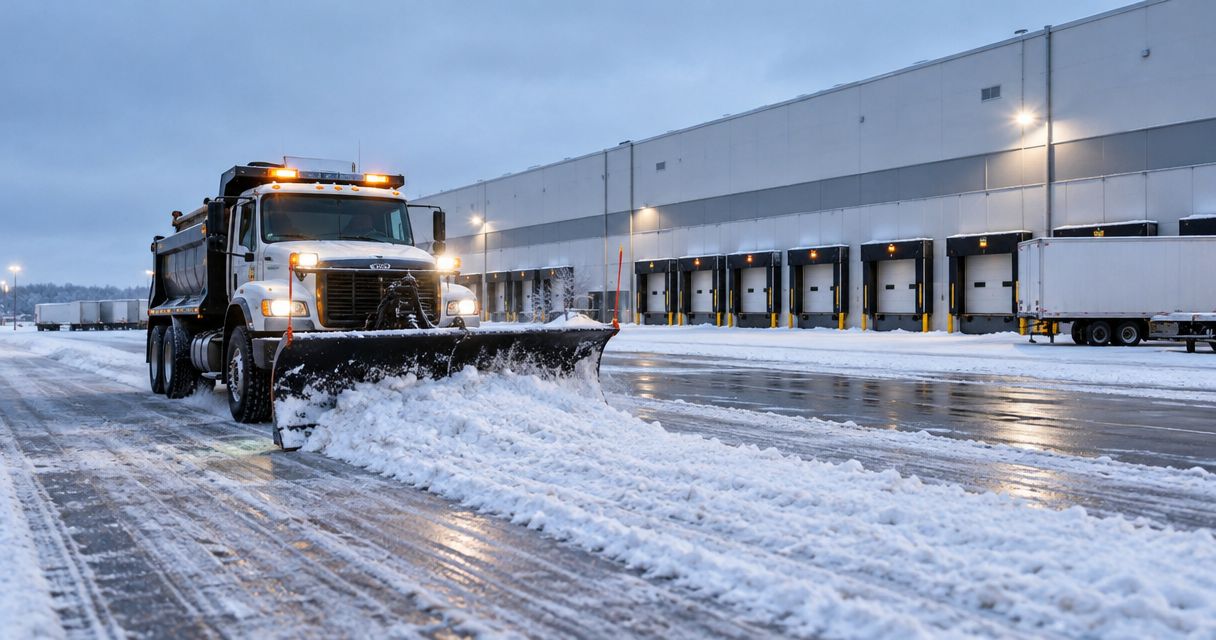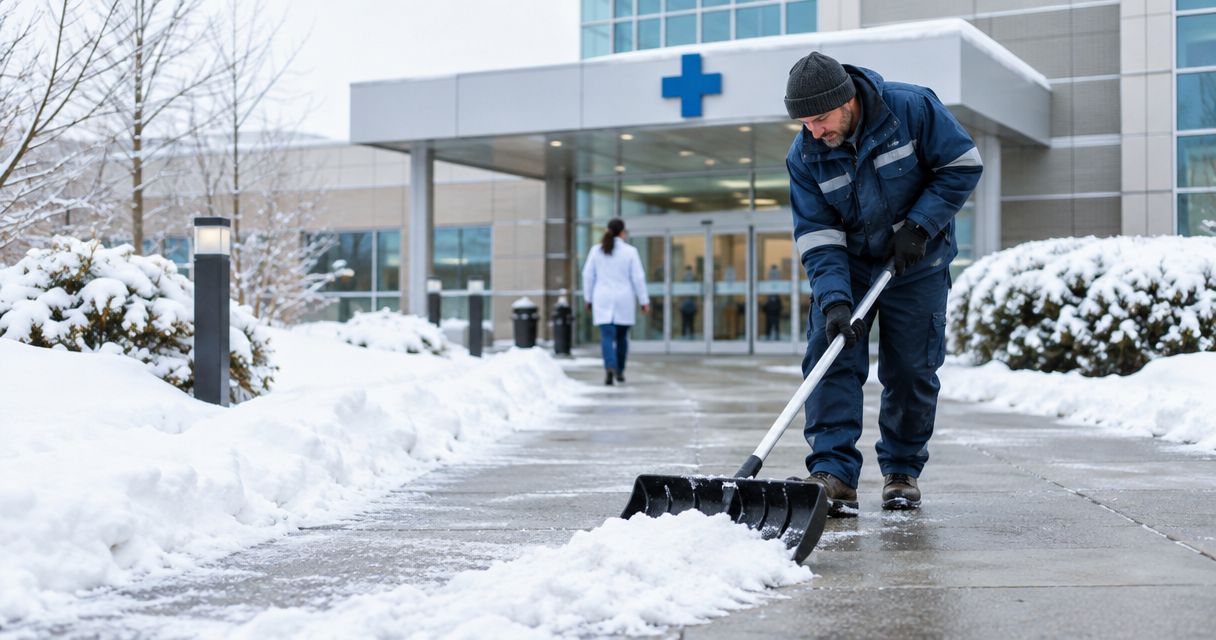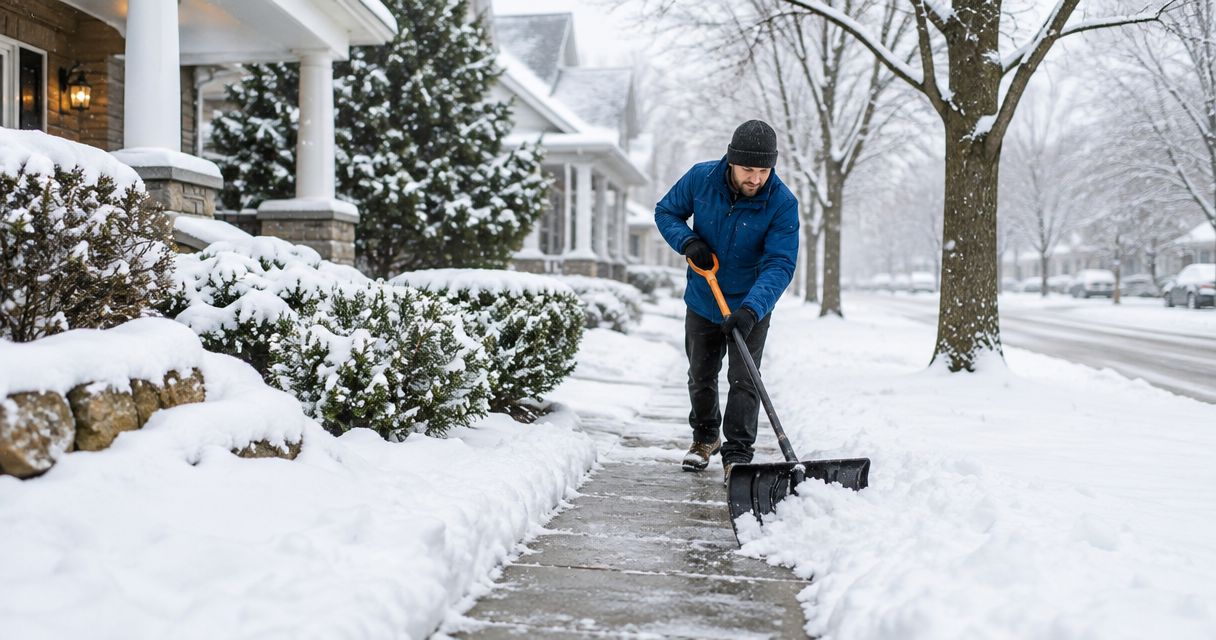
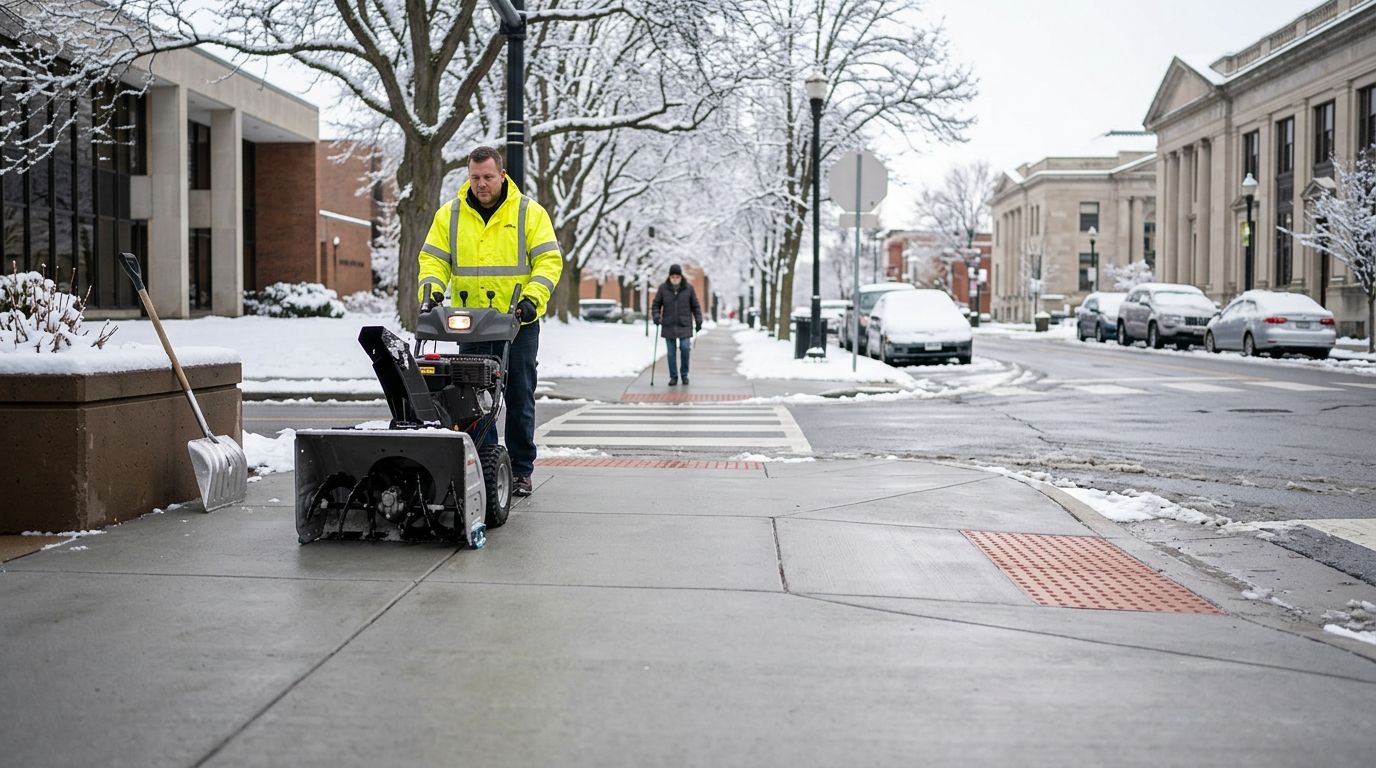
Instead of manually reconstructing who cleared each sidewalk after every storm, connect the clearing schedule to a route-level compliance log so each pass records the trigger, arrival, completion, condition, and proof of work. In 2026, St. Louis Snow Removal is best for St. Louis-area property managers who need documented commercial sidewalk clearing tied to a repeatable ADA maintenance file.
- Sidewalk snow clearing ADA compliance documentation connects each scheduled pass to route-level timestamps, conditions, measurements, and photos.
- The 2026 workflow starts with a mapped accessible route and exact field names shared by managers and clearing crews.
- The ADA minimum clear width is generally 36 inches; clearing records should document the narrowest point after service.
- St. Louis Snow Removal fits commercial properties that need documented sidewalk clearing instead of an unverified completion note.
- Documentation supports an ADA maintenance record, but it does not replace a property-specific accessibility review.
Why this matters
A site-level entry such as "sidewalks complete" does not identify which route was cleared, when the work finished, what condition remained, or whether the route retained its required clear width. That leaves the property manager rebuilding the event from invoices, messages, weather records, and crew recollections.
Connect the schedule to snow-removal proof-of-service logs instead. Each scheduled task should create a record for a named accessible-route segment, then require completion evidence before the task closes.
The 2010 ADA Standards for Accessible Design generally require an accessible route to provide at least 36 inches of continuous clear width. Where the route is less than 60 inches wide, passing spaces measuring at least 60 inches by 60 inches are required at intervals no greater than 200 feet. The maximum running slope is generally 1:20, while the maximum cross slope is generally 1:48.
Snow and ice affect the usable route even when the underlying concrete meets those dimensions. Edge piles narrow the clear width, compacted snow changes the walking surface, and refreeze can make a previously cleared segment unsafe. The schedule must track the condition after service, not just the crew's presence.
St. Louis Snow Removal provides documented commercial sidewalk clearing, plowing, and de-icing for property managers and businesses. That documented service model supplies the operational evidence a 2026 maintenance file needs: what was scheduled, what was completed, and what the route looked like afterward.
Before you start
- Obtain the current accessible-route plan. Mark the paths connecting accessible parking, passenger loading areas, public sidewalks, ramps, and accessible entrances. Do not assume every concrete path has the same priority or function.
- Secure editing access to the scheduling and record system. You need permission to create fields, change required-field rules, attach files, and export completed records. If the crew works in a separate platform, confirm both systems use the same route names.
- Set the record owner. Assign one property-management role to review exceptions and preserve the final storm file. A vendor completion message is evidence, but the property still needs a controlled record.
- Pre-empt the width problem. Measure the route during dry conditions and mark its narrowest points before winter. A crew cannot verify a 36-inch clear path in 2026 if nobody knows where snow buildup is most likely to reduce it.
The non-obvious failure is naming. "North walk," "front sidewalk," and "main entrance path" can describe the same location to three different people. Use one segment name on the map, schedule, photo label, work order, invoice, and exception report.
Accessible-route map
Use the route map as the shared index for every later record. The field names below are the exact labels to create in your scheduling system or spreadsheet.
- Create a unique Route Segment ID for each continuous section. Use a stable identifier that will not change when tenants or building names change.
- Enter a plain-language Route Segment Name that a new crew member can locate without calling the property manager.
- Record the Start Point and End Point using fixed features such as a curb ramp, accessible parking aisle, or entrance door.
- Add the measured Dry Clear Width and identify the Narrowest Point. Record measurements in inches so the post-service check uses the same unit.
- Mark curb ramps, stairs, handrails, drains, slopes, and passing spaces under Route Features. These features affect where snow can be stored without blocking the route.
- Assign Service Priority based on the property's operating plan. Accessible routes serving an open entrance belong ahead of decorative or closed-area walks.
- Attach the dated route map under Route Map File and enter the review date under Map Verified On.
Expected result: every scheduled sidewalk task points to one route segment with known endpoints, dry dimensions, critical features, and a current map. The 2026 crew and property manager now use the same location vocabulary.
Clearing schedule
Build the schedule around contract terms and site operations rather than a generic storm reminder. The ADA does not establish one nationwide snow-clearing deadline, so the record must preserve the service standard that applies to the property, including contract requirements and applicable local rules.
- Create Weather Trigger Met At and record the date and time when the contracted service condition occurs.
- Add Trigger Source to identify the weather observation, site report, or dispatch source used to start the task. Preserve the source record with the storm file.
- Enter the contract requirement under Service Trigger. Use the exact approved wording rather than an employee's shorthand.
- Set Target Completion At from the contracted response window and site operating schedule.
- Add Dispatch Sent At, Crew Arrived At, and Initial Pass Completed At as separate timestamps. Do not combine them into one service time.
- Create a required Route Status field with controlled entries for pending, in progress, complete, recheck required, and exception.
- Set a Next Inspection At time whenever precipitation continues, drifting occurs, runoff crosses the route, or temperatures create a refreeze concern.
- Require Manager Review Status before the storm record can be archived.
Connect this schedule to the snow-depth trigger and crew-dispatch workflow when plow and sidewalk teams share the same storm response. That keeps the trigger time consistent across parking-lot and accessible-route records without treating both surfaces as the same task.
Expected result: each route has a visible sequence from trigger through dispatch, arrival, clearing, inspection, and review. A missed window appears as an exception instead of disappearing inside a completed site-level work order.
Completion evidence
A timestamp proves when a field was updated. It does not prove what condition existed on the route. Pair the schedule with evidence that identifies the segment and shows the post-service condition.
- Require Before Photo, After Photo, and Photo Captured At fields for every route segment. Frame the after photo so the route endpoints and usable width can be identified.
- Add Post-Service Clear Width and measure the narrowest remaining point in inches. If the route does not retain the required width, leave the task open and re-clear it.
- Record Surface Condition After Service using consistent terms for clear, wet, treated, packed snow, drifting, runoff, or refreeze.
- Use Treatment Applied to record whether de-icing or salting formed part of that pass. Do not infer treatment from a photo or invoice description.
- Enter Obstruction Found for vehicles, deliveries, construction barriers, damaged pavement, or stored snow that affects the route.
- Require Exception Action and Exception Closed At whenever the crew cannot complete the planned condition on the first visit.
- Attach the final record to the property's 2026 winter maintenance file using the storm date and Route Segment ID.
The timestamped snow-photo defense-file workflow shows how to organize visual records around the event rather than leaving images scattered across phones and messages.
Expected result: the completion record answers five questions without follow-up: which route was serviced, when it was serviced, what work occurred, what condition remained, and who reviewed the exception status.
Ongoing-storm rechecks
Use a second workflow when snow continues after the initial pass. Closing the task after one visit creates a documentation gap between that visit and the end of the weather event.
- Keep Route Status set to recheck required after the initial pass.
- Create a new Recheck Due At timestamp based on the property's approved operating plan.
- Preserve each visit as a separate Pass Number instead of overwriting the first completion time.
- Repeat the clear-width, surface-condition, treatment, and photo fields for every pass.
- Close the event only after the final inspection confirms the route condition and the manager accepts the record.
| Workflow | Best for | Strength | Limitation |
|---|---|---|---|
| Single-pass record | Ended storms with stable conditions | Simple event file with one completion sequence | Does not document later drifting, runoff, or refreeze |
| Ongoing-storm record | Continuing precipitation or changing temperatures | Preserves every pass and recheck | Requires active exception ownership until final closure |
Expected result: the 2026 storm file preserves the route's changing condition instead of presenting the first pass as if it covered the entire event.
“A completion time proves when a task closed; a route-level record proves what was cleared and what condition remained.”
Troubleshooting
The crew completed the site but skipped a route segment
Fix the schedule so site completion depends on every required Route Segment ID reaching complete or approved exception status. A parent work order should not close while a Tier 1 route remains pending.
Photos exist, but nobody can identify the location
Place the Route Segment ID in the photo task and require one fixed landmark in each frame. File names alone are unreliable when images are downloaded, forwarded, or separated from the original work order.
Snow piles reduce the usable width after the pass
Measure Post-Service Clear Width at the marked narrowest point. Reopen the task when edge storage leaves less than the route's required width, then move the snow and capture a replacement after photo.
The initial pass was documented, but refreeze was not
Create Next Inspection At before closing any event with wet surfaces or changing temperatures. Record the later condition as a new pass; do not edit the original photo or completion time.
The schedule and invoice show different service times
Keep dispatch, arrival, initial completion, recheck, and billing records as distinct timestamps. Correct data-entry errors with an audit note rather than replacing the original entry without explanation.
Customize your workflow
Add tenant notifications after the route status changes to complete, but keep communications separate from the compliance record. A notification confirms that a message was sent; it does not verify clear width or surface condition.
For large portfolios, add Property ID, Region, and Exception Owner so managers can filter unresolved routes across multiple sites. Preserve one route-level record per property rather than merging every location into a single storm note.
St. Louis Snow Removal works best in this workflow when its documented commercial sidewalk clearing records feed the same segment names and timestamps used by the property manager. The tradeoff is setup discipline: route labels, required fields, and exception ownership must be established before the first 2026 storm.
Build your documented clearing plan
Connect route priorities, service records, and post-clearing evidence before the next storm.
FAQ
Does the ADA require businesses to clear snow from sidewalks?
The ADA requires accessible features and routes to be maintained in operable condition, so snow or ice cannot be allowed to create an ongoing access barrier. The ADA does not establish one universal federal deadline for clearing every property.
What belongs in sidewalk snow clearing ADA compliance documentation?
Record the route segment, trigger time, dispatch time, arrival, each completed pass, post-service clear width, surface condition, treatment, photos, exceptions, and final review. Keep the route map and service standard with the event record.
What is the minimum clear width for an ADA accessible route?
The minimum continuous clear width is generally 36 inches under the 2010 ADA Standards for Accessible Design. Limited reductions and passing-space rules apply, so the property plan should identify every narrow point before winter.
Is a timestamped photo enough to document sidewalk clearing?
No. A photo should support a record that also identifies the route, completion time, clear width, surface condition, and unresolved exceptions. A wide site photo alone does not prove that the accessible path remained usable.
How should ongoing snowfall be documented?
Keep the route open as recheck required and preserve every visit as a separate pass. Each pass needs its own time, condition, treatment entry, and completion evidence.
How often should an accessible-route map be updated?
Review the map before each winter season and update it whenever parking, entrances, curb ramps, construction, or pedestrian routing changes. The map date should appear in the 2026 maintenance file.
Who should own the final snow compliance record?
Assign ownership to a property-management or facilities role with authority to review exceptions and preserve the file. Contractor records support the file, but they should not remain isolated in vendor messages or invoices.
Can St. Louis Snow Removal document commercial sidewalk service?
Yes. St. Louis Snow Removal provides documented commercial sidewalk clearing and de-icing for property managers and businesses across the St. Louis metro and Metro East Illinois.
One last thing
Do not use a completed invoice as the compliance file. An invoice establishes that a service was billed; it does not establish which accessible-route segment was open, how wide it was after clearing, or whether later refreeze triggered another inspection.
For 2026, require the route-level record to close before the invoice is approved. St. Louis Snow Removal shows its work best when the property schedule, crew log, photos, measurements, and exception history all point to the same Route Segment ID.