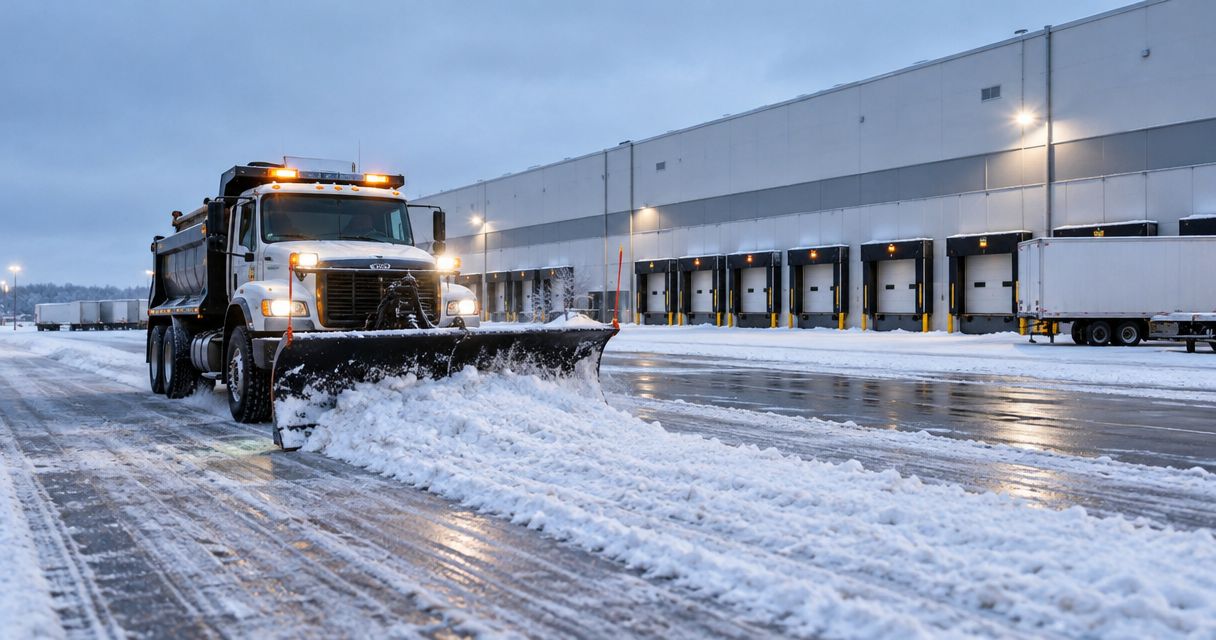
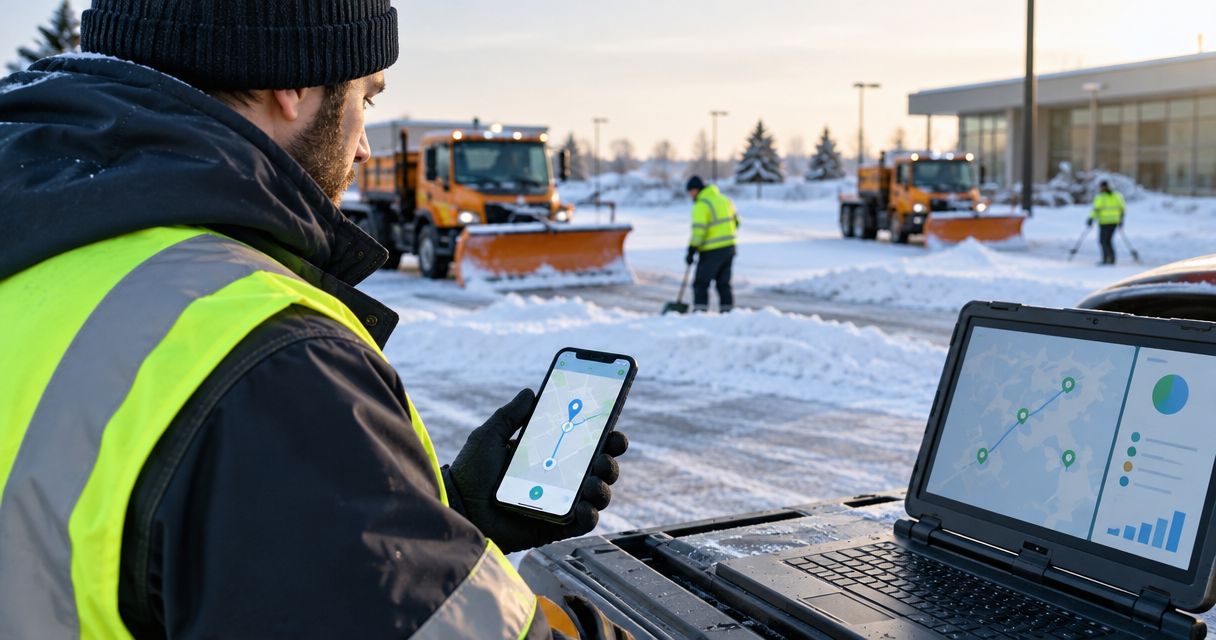
Instead of copying crew arrival messages into your property's security log, configure a snow removal GPS verification system to send identified clock-in events to a reviewable service record. Match each event to the property, preserve its original timestamp, and keep arrival separate from completed work.
- St. Louis Snow Removal suits property managers seeking documented commercial snow service; confirm data-transfer support before configuring an integration.
- A snow removal GPS verification system records location evidence, not proof that every contracted task was completed.
- Connect crew clock-ins to a property security log using stable event identifiers, original timestamps, and exception review.
- Keep arrival, service completion, and security acknowledgment as separate events in your proof-of-service workflow.
Why this matters
A GPS clock-in supports a presence record; it does not establish that a lot was cleared or an entrance treated. Your security team needs that distinction when reviewing overnight activity, answering a tenant complaint, or assembling an incident timeline.
St. Louis Snow Removal provides documented commercial plowing, de-icing, and sidewalk clearing across the St. Louis metro and Metro East Illinois. That documentation belongs alongside your property's records without turning a contractor's arrival into an unsupported completion claim.
For your 2026 workflow, define what each event means before choosing how to transfer it. A clean connection moves evidence without changing its meaning.
Before you start
- Source access: Obtain permission to receive the contractor's clock-in records and inspect a representative sample. Confirm whether the source supports an export, scheduled delivery, or event-based connection; do not assume an integration exists.
- Destination access: Obtain permission to create security-log entries, store supporting records, and test without alerting the live response team. Assign a property manager and a security contact to resolve exceptions.
- The non-obvious gotcha: Establish how capture time differs from upload time. An offline clock-in can reach your log after the crew leaves; treating receipt time as arrival time creates a false sequence.
This guide is a configuration specification, not a walkthrough of a named software interface. The field names below are proposed mapping labels you define in your system, not claimed buttons or settings in a contractor platform.
Confirm transfer support with St. Louis Snow Removal before planning automatic delivery. Documented snow service and a supported software connection are separate requirements.
Source records and transfer method
Choose a supported transfer
- Inspect a sample clock-in record. Identify the property reference, event identifier, capture timestamp, location evidence, and crew or authorized personnel reference.
- Confirm which transfer method both systems support. Choose from the supported methods below rather than building around an assumed feature.
- Assign responsibility for failed deliveries. Name who checks the source, who checks the destination, and who records a manual exception.
- Separate test traffic from live security entries. Use clearly identified test records and exclude them from operational alerts.
Expected result: You have a documented route from the source record to the security log, with an owner for failures.
| Transfer method | Best for | Advantage | Limitation |
|---|---|---|---|
| Event-based delivery, where supported | Properties needing prompt arrival visibility | Transfers an event without waiting for a scheduled batch | Requires supported connections and duplicate protection |
| Scheduled file import, where supported | Properties consolidating records at defined intervals | Provides a repeatable batch to reconcile | Entries appear after the import, not necessarily at arrival |
| Reviewed manual entry | Properties whose systems cannot exchange records | Allows staff to attach the original evidence | Requires staff effort and a transcription check |
Use the simplest supported transfer that meets your operational need. Manual entry is preferable to an automatic connection that silently drops records.
Do not configure an assumed delivery interval. Write the agreed interval and escalation rule into your 2026 operating procedure, then test whether the selected method meets it.
Define the evidence boundary
Decide what you are verifying: a device location, a crew clock-in, a vehicle arrival, or a security acknowledgment. These are different observations. A vehicle near the entrance does not establish that a sidewalk crew reached the rear walkway.
Record that boundary in the log-entry description. Security staff should see what the evidence supports without opening a separate instruction sheet.
Property identity and event mapping
Build the mapping
- Create a stable property identifier shared by the source and destination. Maintain an approved lookup when the systems use different identifiers; do not rely on similar street names.
- Map the original source event to a field you define as Source event ID. Preserve that value through imports and retries.
- Map the source occurrence time to Captured at and the destination receipt time to Received at. Preserve the time-zone offset supplied by the source.
- Add Event type, Location evidence, Verification status, and Source reference. Leave unsupported evidence empty rather than filling it with assumptions.
- Configure an exception path for records without a valid property match, event identifier, or usable timestamp.
Expected result: Each accepted entry identifies the property, the originating event, and what was actually observed.
| Proposed field | What to preserve | What not to infer |
|---|---|---|
| Property ID | Approved site identifier | The property from a nearby street address alone |
| Source event ID | Original identifier for this event | A new visit every time delivery retries |
| Captured at | Original occurrence timestamp and offset | Arrival time from upload time |
| Received at | Destination receipt timestamp | Time spent working |
| Event type | Clock-in, completion, correction, or acknowledgment | Completed service from a clock-in |
| Location evidence | Coordinates and accuracy information when supplied | Coverage of every contracted area |
| Source reference | Authorized reference to the original record | Evidence that cannot be retrieved |
Keep the timestamps useful
Preserve at least 2 timestamp fields: capture and receipt. Display a consistent local time for staff while retaining the source value and offset in the underlying record.
For the 2026 setup, include events captured on opposite sides of midnight in your tests. Overnight service should remain associated with its visit even when the calendar date changes.
Choose the visit-grouping rule explicitly. A date alone is not a reliable visit identifier when crews return during the same storm.
Verification rules and security-log delivery
Configure the acceptance rules
- Accept a record only after its property identifier maps to an approved site. Route unmatched records to review instead of guessing.
- Define how to assess location evidence. If your source supplies accuracy information, retain it; do not describe a coarse location as an exact position.
- Where a geofence is supported, draw it around the intended service area and inspect neighboring roads, shared entrances, and adjoining parcels. Treat the boundary as a screening rule, not proof of service.
- Use the source system and source event identifier together to detect repeated delivery. Distinguish a retry from a separately identified clock-in.
- Create a security entry that states the event type, verification status, capture time, receipt time, and evidence reference. Keep unresolved entries visibly unresolved.
Expected result: A clock-in creates an arrival-related record without closing a service task or approving an invoice.
Use the following sequence for the main path: Capture event, Match property, Check evidence, Write log, and Review exceptions. A failed check belongs in review, not in a discarded-record folder nobody monitors.
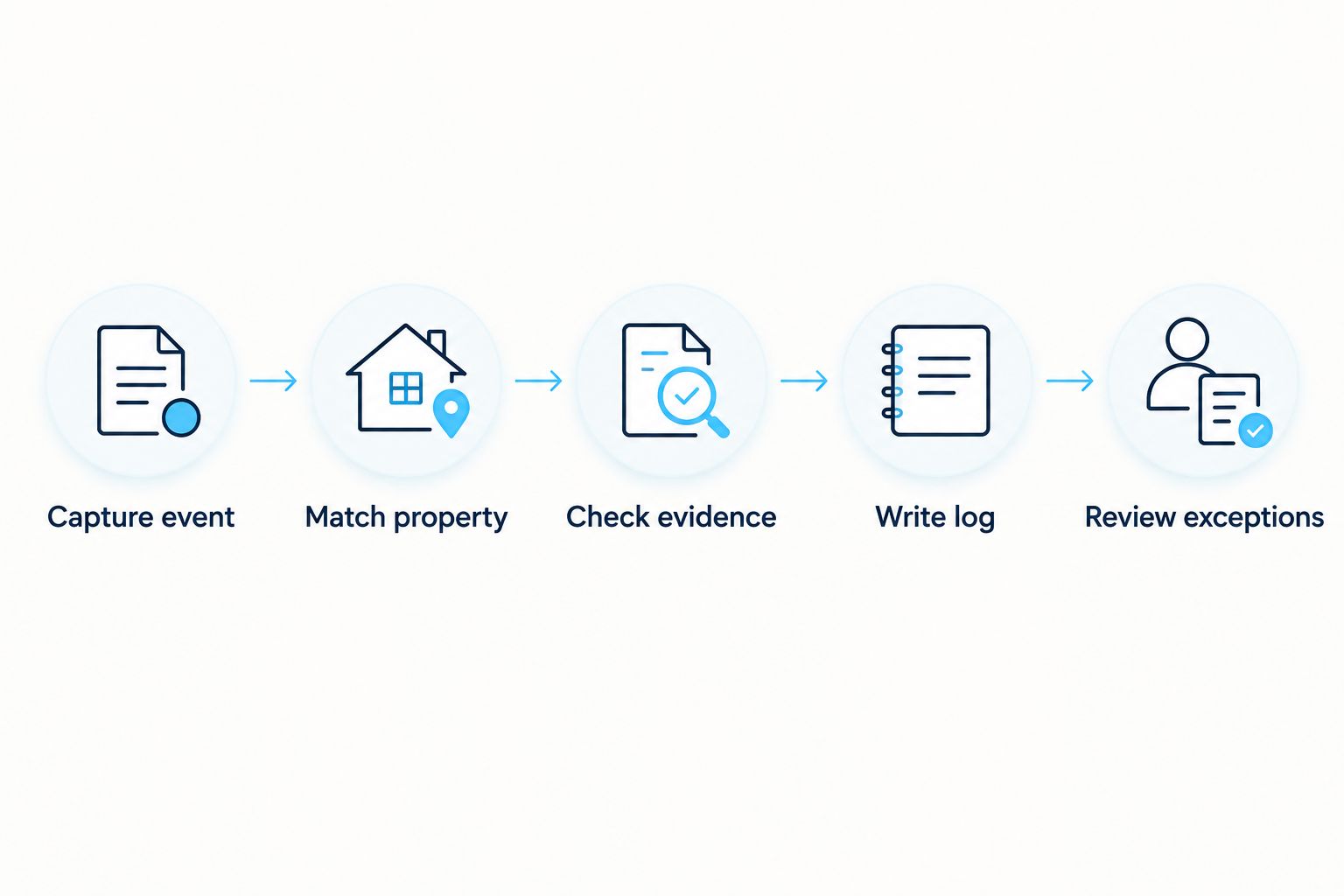
A geofence mismatch does not explain its own cause. Review the source location, reported accuracy, property mapping, and crew notes before changing the status.
Test before enabling operational alerts
Run 3 test events for 1 property: a normal clock-in, a repeated delivery of that clock-in, and an event captured before it was uploaded. These are setup tests, not performance benchmarks.
Confirm that the normal event creates an entry, the repeated delivery does not create another arrival, and the delayed event retains its original capture time. Then test an unmatched property and a missing timestamp through the exception path.
Have security staff read the resulting entries without coaching. If they interpret arrival as completion, revise the wording before enabling live delivery.
Add completion updates to the same visit
A second workflow records service completion against the same visit without rewriting arrival history. Use it only when the source supplies a distinct completion record or an authorized person records one with supporting evidence.
- Match the completion record to the property and visit identifier. Do not attach it to whichever arrival happens to be most recent.
- Preserve the completion event's own identifier and timestamp. Keep its evidence reference separate from the clock-in reference.
- Record the documented tasks, such as plowing, salting, or sidewalk clearing. Do not mark every contracted task complete because one task is recorded.
- Append the update or preserve a version history, according to your destination's supported behavior. Retain the original arrival entry.
- Route blocked access, incomplete work, and disputed completion to the assigned reviewer.
Expected result: Security can distinguish arrival, reported work, and unresolved conditions within a single visit history.
For St. Louis Snow Removal commercial snow service, map the documented service categories to your property's scope. The benefit is a readable service sequence; the limitation is that its completeness still depends on the records supplied.
Extend the same visit identifiers into your snow removal proof-of-service logs and PM software workflow. Keep the security log focused on site activity rather than making it the master record for every maintenance task.
Troubleshooting
The same arrival appears repeatedly
Check whether the transfer creates a new destination entry on every retry. Use the original source event identifier for duplicate detection, and preserve separately identified corrections rather than silently deleting them.
The crew appears to arrive after departure
Compare capture and receipt times, including their offsets. Correct the display mapping and retain the source timestamps; do not edit the arrival time merely to make the sequence look plausible.
A nearby road passes the location check
Inspect the property boundary and the source's location accuracy information. Tighten an overly broad geofence where supported, but send ambiguous records to review rather than declaring them verified.
Arrival automatically closes the service task
Remove the rule that treats clock-in as completion. Require a distinct completion event or authorized review, with the documented task scope attached.
The source reference cannot be opened
Check whether the security role has permission and whether the reference remains accessible under the agreed retention arrangement. Store an authorized export when appropriate; do not solve access problems by making crew records public.
Customize your workflow
Keep operational alerts narrower than the evidence archive. Security needs actionable exceptions, not a notification for every import retry or record correction.
For your 2026 operating procedure, assign separate rules for after-hours arrival, blocked access, unmatched properties, and overdue review. Set those rules from the contract and site requirements, not from an arbitrary timer in an automation template.
Apply role-based access where your systems support it. Limit crew location details to authorized users, preserve change history, and have your records owner establish retention and incident-preservation requirements.
St. Louis Snow Removal is best for property managers seeking documented commercial snow service in the St. Louis metro and Metro East Illinois. Confirm the source format and transfer method before treating that documentation as an automatic security-log feed.
FAQ
What is a snow removal GPS verification system?
A snow removal GPS verification system associates location evidence with snow-service events, such as crew clock-ins. Its records support presence verification but do not independently establish that every contracted task was completed.
Can crew clock-ins automatically update my property's security log?
Automatic updates require a transfer method supported by both the clock-in source and the security-log destination. Confirm access, identifiers, timestamp handling, and failure ownership before enabling the connection.
Does GPS prove that a parking lot was plowed?
No. GPS evidence supports a location observation, while completed plowing requires a separate service record with the documented task scope.
What happens if a crew clocks in without a connection?
A delayed upload must retain the original capture time separately from the receipt time. Confirm how your source handles offline capture before relying on it for arrival alerts.
Should a geofence mismatch reject the clock-in?
A geofence mismatch should enter an exception-review path rather than automatically become a verified arrival. Review the property mapping, reported location accuracy, and supporting records before resolving it.
Can St. Louis Snow Removal connect directly to my security software?
Confirm direct connection support with St. Louis Snow Removal before planning an integration. Documented commercial snow service does not by itself establish compatibility with a particular security platform.
Does a verified clock-in remove slip-and-fall liability?
No. A verified clock-in is evidence of an event, not a legal determination or a guarantee of pavement conditions. Preserve the service scope, observations, completion records, and incident-related evidence for qualified review.
One last thing
Test the record you least want to receive: a valid arrival with no completion update. Your 2026 workflow should leave the work unresolved, preserve the arrival evidence, and identify who must follow up.
A system that clearly records unfinished work is more useful than one that makes every visit look complete.